

Plan Overview
To better serve our customers, APIYI is launching the Nano Banana Pro Failed-Generation Credit Reimbursement Plan.The only covered model is the per-request Nano Banana Pro. For Nano Banana 2, you can choose a token-based token, where failed calls are billed at a negligible amount and can be ignored.
When Does Nano Banana Pro Fail to Generate?
Google’s content moderation policies keep tightening. Common situations that trigger a rejection include:- Content safety: NSFW or minor-related content
- Watermark removal: a particularly special category
- Well-known IP (added January 23, 2026): such as Disney — Google appears to have introduced a new moderation policy
- Stricter safety mechanisms (February 27, after Nano Banana 2 launched): well-known public figures, financial/order information edits, person outfit swaps/face swaps, implicit sexual content, etc., all return a text error message similar to “I cannot complete the requested edit to xxx”
Symptoms of a Failed Generation
Log output Tokens under 1000
Google returns a line of text, for example: “I’m unable to help with this task” /
I'm just a language model and can't help with that.Log output Tokens empty
The image generation is outright rejected and the error is empty. The key metric in the API response data is
"candidatesTokenCount": 0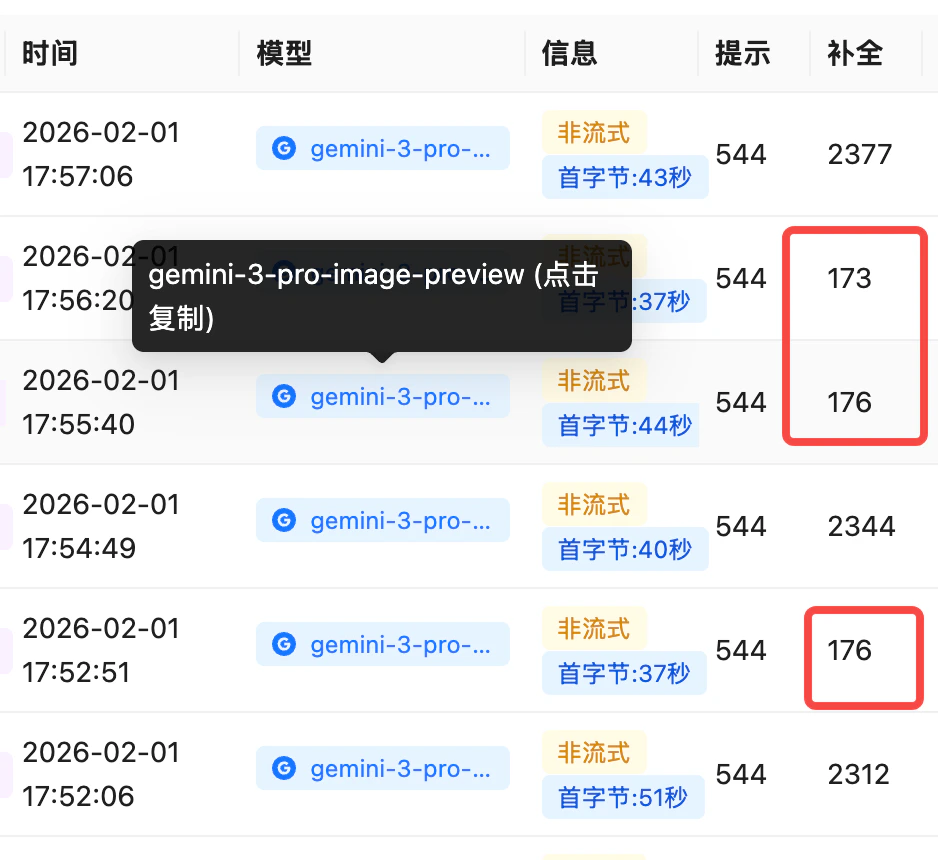
Log list: when the 'Completion' (output Tokens) column shows tiny values like 100-200, that call is a failed generation
Why Is a Failure Still Charged?
- Google deducts quota: repeatedly sending the same request without modifying the prompt wastes Google’s RPD quota
- The system cannot yet support “no charge when output is empty”
- Requests for prohibited content make it more likely for our official KEY to be banned — an irreversible loss
How to Join?
Eligible customers:- Monthly spend starting at USD 1000 (any on-site model) — the threshold is intentionally low; small-credit testing and personal use have a low probability of failures anyway
- Aimed at tool service providers: because it is hard to control end users’ input content on the customer side
- Non-subjective reasons only: maliciously requesting the same/similar prohibited content will not be reimbursed
- Time range: starting May 1 (UTC+8)
- We will reach out gradually to register you on our internal list
How Is the Reimbursement Done?
Go to the Logs section, click Export in the top-right corner, select a time range (for example, last month), and choose Async Export. After submitting, check the progress under Async Tasks in the top navigation menu, and download the final Excel data result.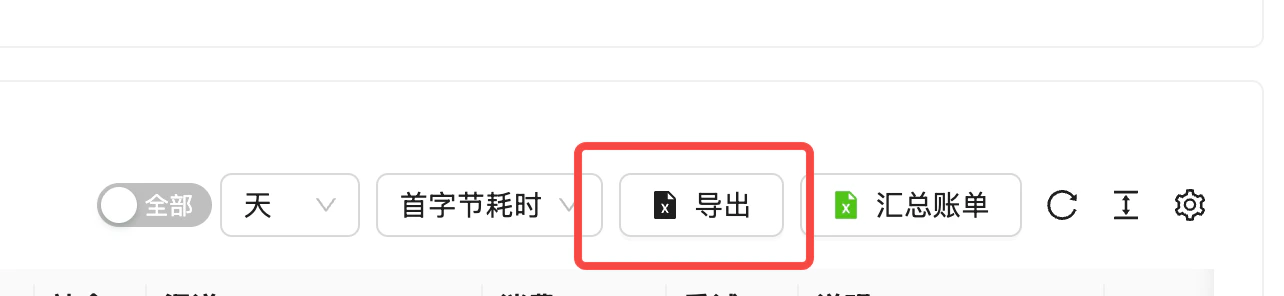
The Export button in the top-right corner of the Logs section
failed count × model price / discount factor (for example, with a 15% top-up bonus, divide by 1.15).
Reimbursement timing: At the end of each month we tally the previous month’s data, and reimbursement is typically credited within the first 5 business days of the following month.